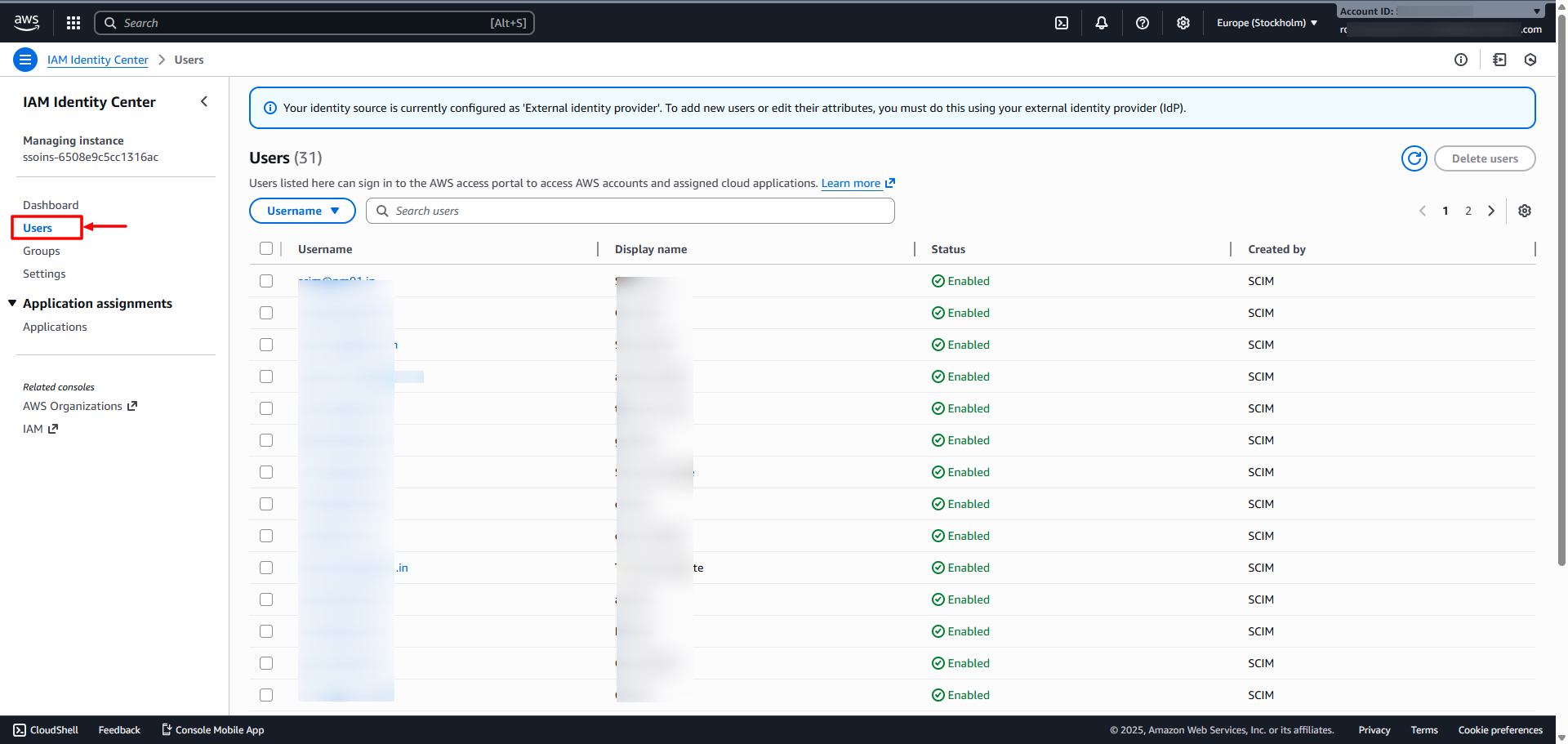
To set up an AWS SCIM Outbound Connector in the Scalefusion Dashboard, you need the SCIM Endpoint URL and Bearer Token generated from the AWS IAM Identity Center. These credentials allow OneIdP to securely provision and synchronize users and groups to AWS. This guide walks you through the prerequisites and the exact steps to retrieve these details from the AWS console.
Pre-Requisites
SSO for AWS should be configured on Scalefusion Dashboard.
Steps on AWS Console
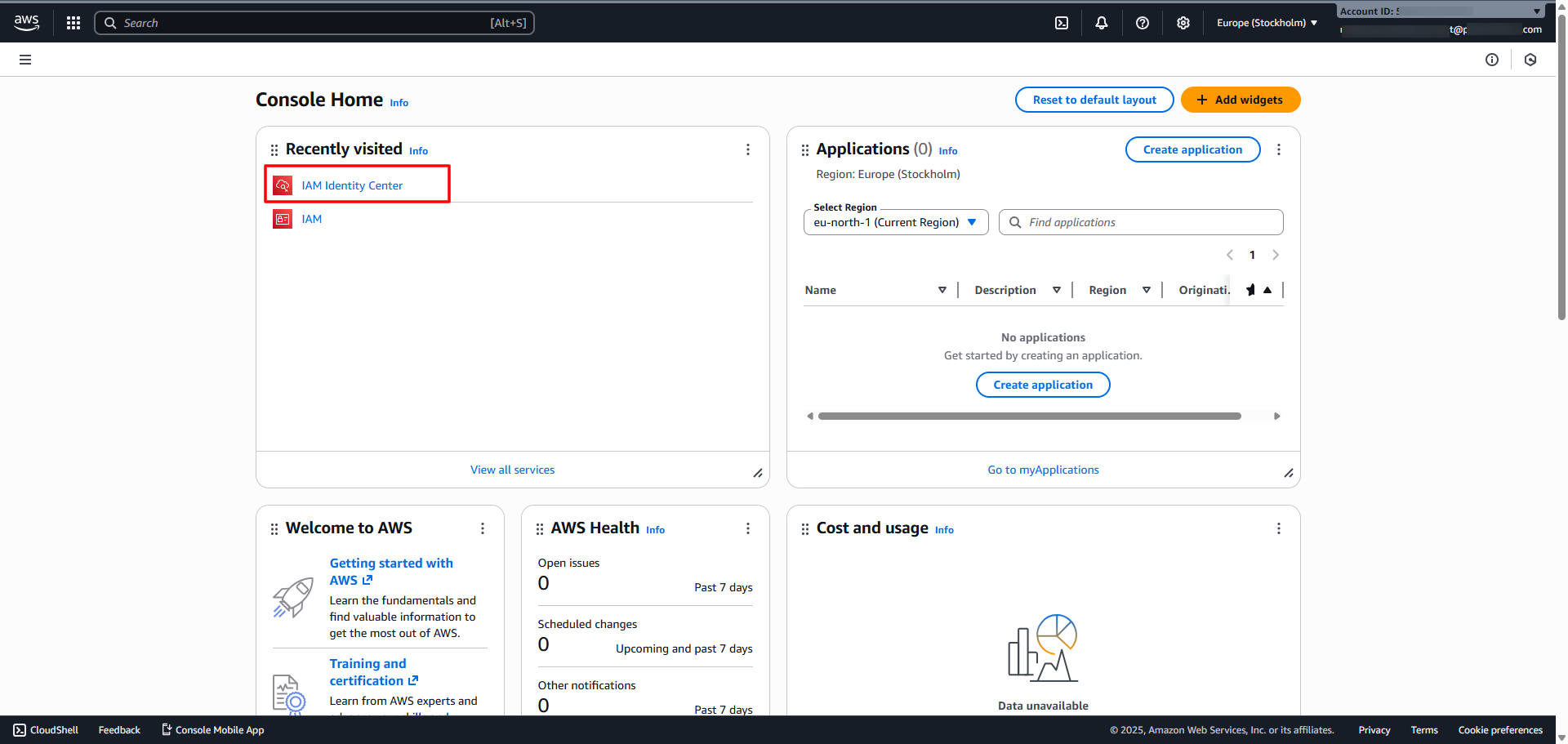
Navigate to IAM Identity center
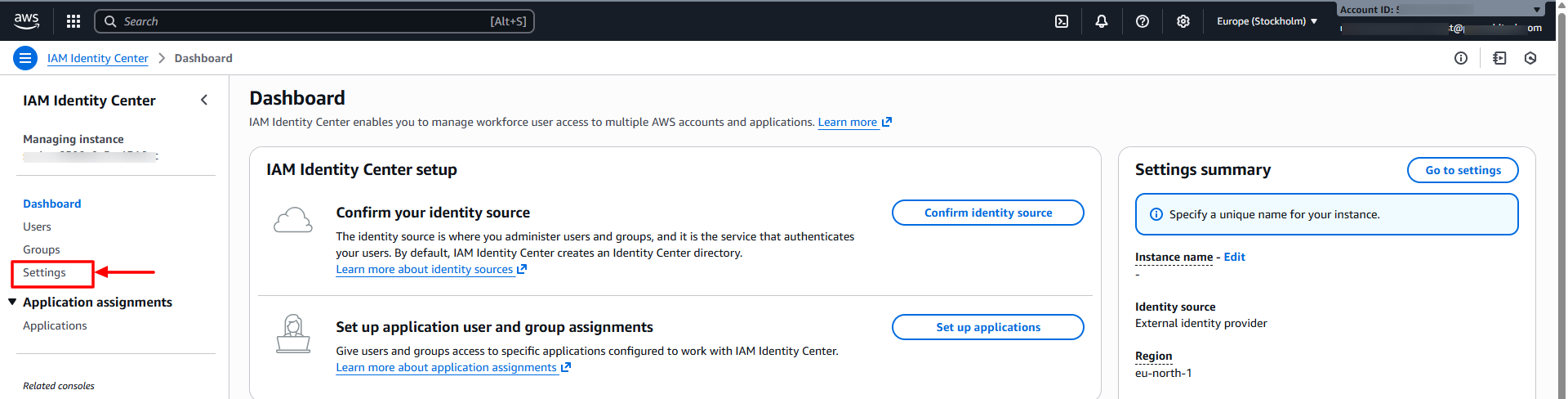
Click on Settings on the left menu.
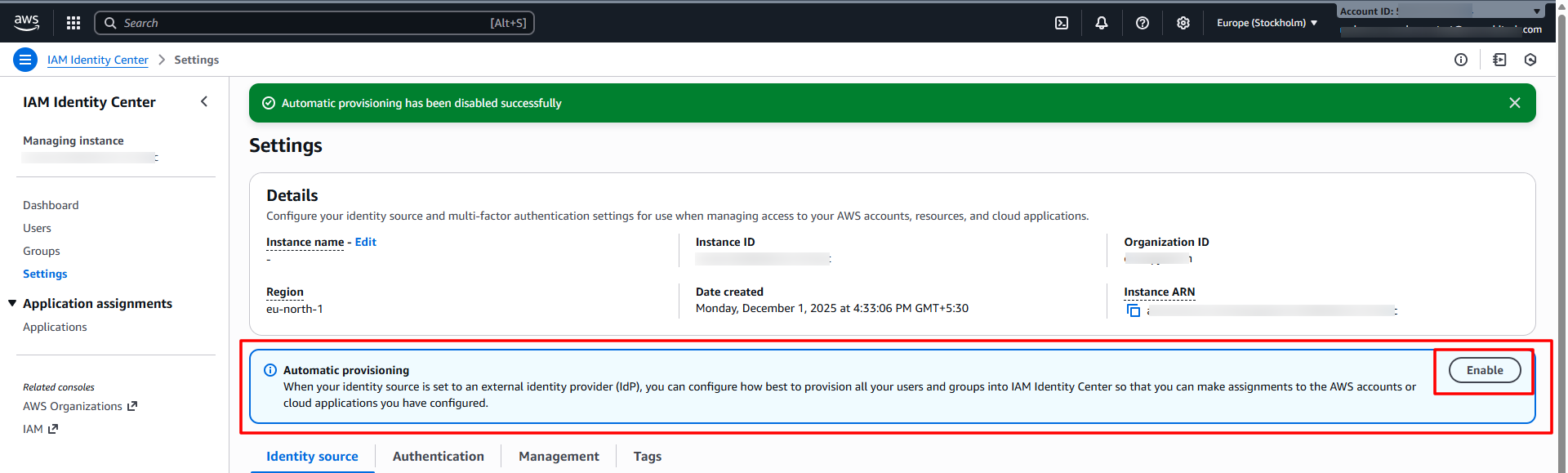
Click on Enable inside Automatic Provisioning
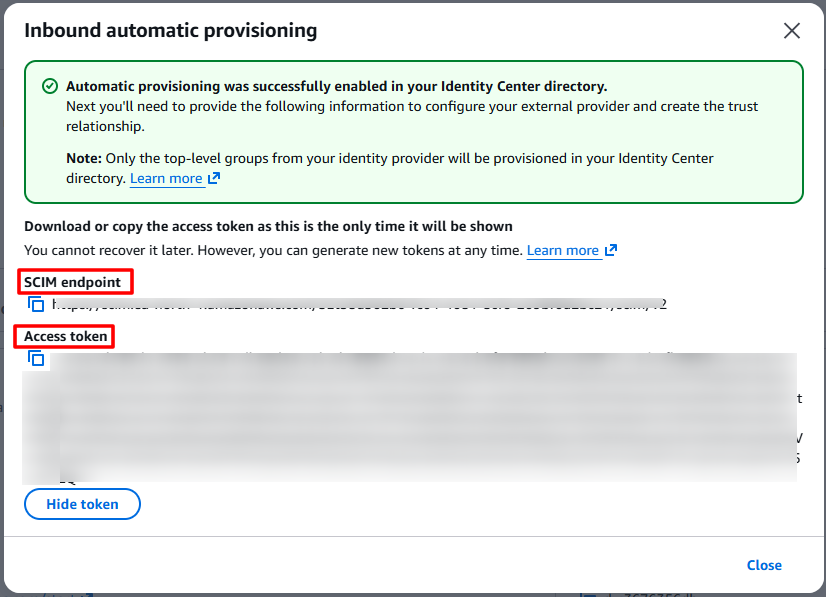
In the new window, click on Show token to view the complete token.
Copy both SCIM Endpoint URL and Access token and add on the Scalefusion Dashboard in the SCIM Outbound configuration you are creating for AWS.
Once the configuration is completed in the Scalefusion Dashboard and published to the required Directory or SSO configuration, users will begin syncing and will appear in the AWS console under Users section.