Scalefusion offers a variety of reports for managed Apple TV devices, including App version, Device Availability, and Policies & Actions Status. These insights help IT teams proactively monitor device health and activity across the organization more efficiently.
Navigate to Reports & Workflows > Reports.
Here you will find the Instant reports that you can view and download.
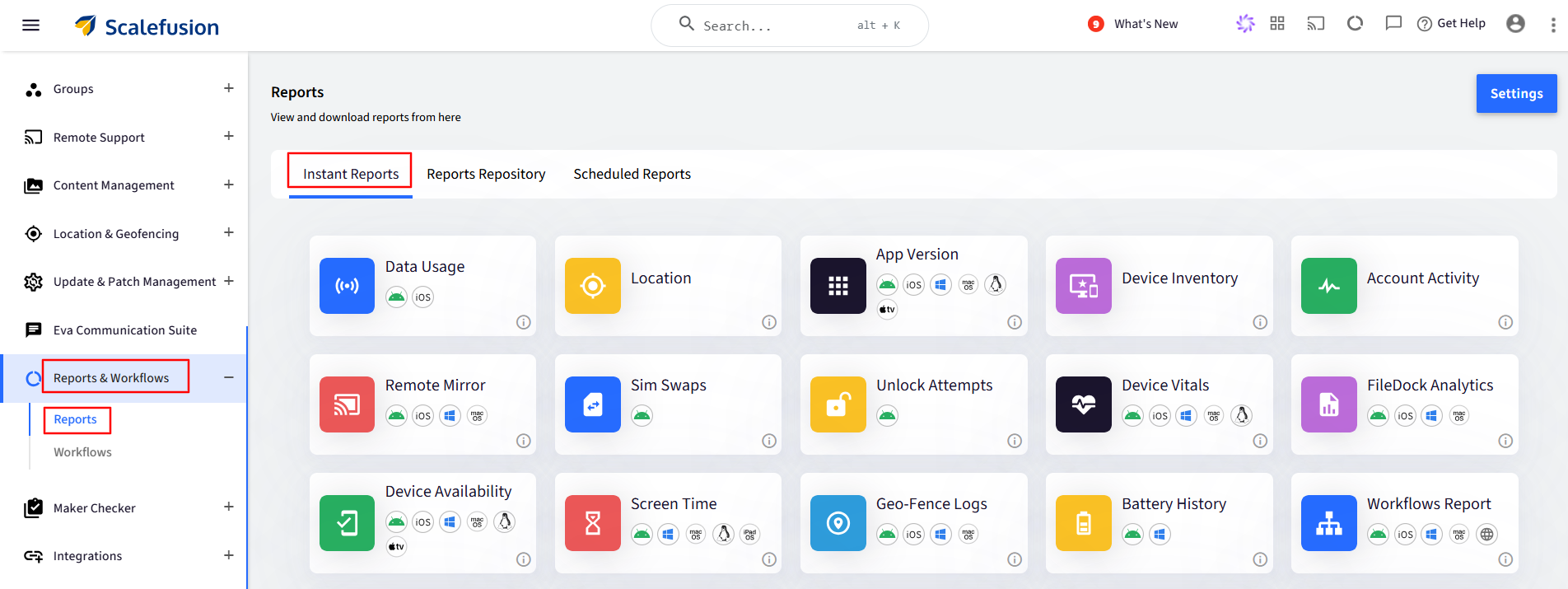
Instant Reports
Application Version
The app version report shows the app version of all the apps installed on the selected devices. With the app version report, users can see which device has which version of app(s) installed so that they can better manage their app deployment.
Please refer to our guide to know more about this report.
Device Availability
This report gives information about device availability- their Active/Inactive status and other related details during a selected timeframe. The Admins choose the filters based on their requirements and then download the report.
Please refer to our guide to know more about this report.
Policies & Action Status
Scalefusion's Policy & Action Status report, which allows IT admins to receive a concise overview of applied policies and actions taken on devices.
Please refer to our guide to know more about this report.
Scheduled Reports
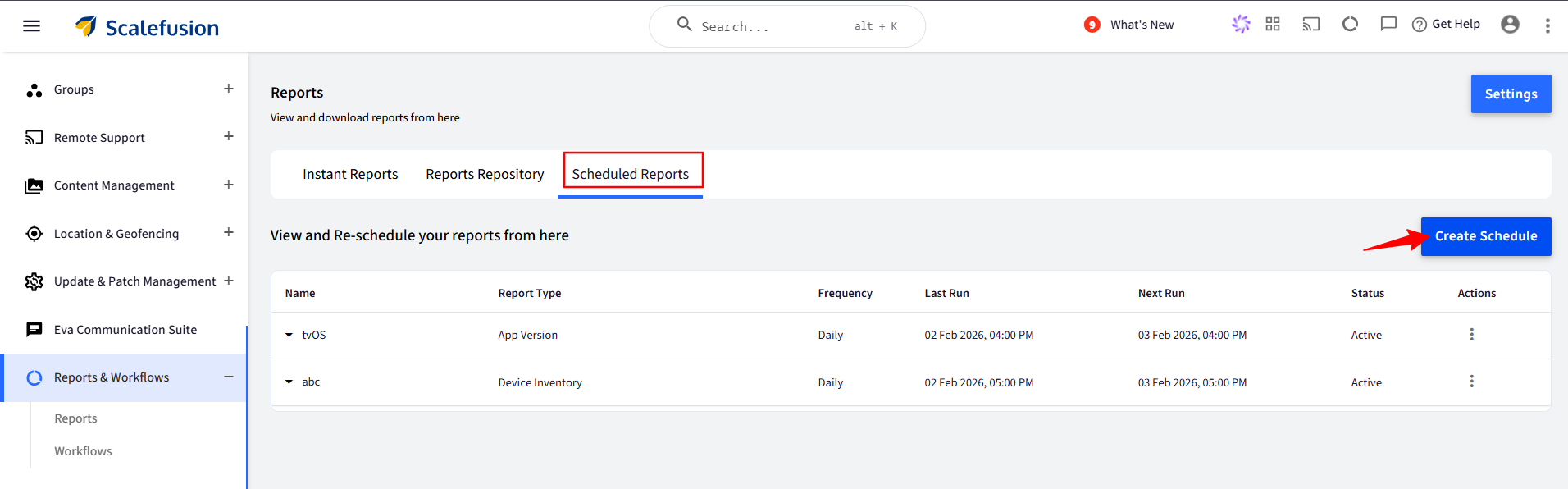
With the Scheduled Reports feature on Scalefusion Dashboard, admins can create a schedule for a report and receive it over email in CSV format.
For Apple TV, Application Version and Device Availability reports can be scheduled. To know more about scheduling the report, please refer to our guide.