The Applications section under Vulnerability Management provides a centralized inventory of all third-party software, internal applications, detected across your managed endpoints, highlighting software-level vulnerability exposure, severity distributions, and threat risks.
Key Metrics Cards
Applications: Displays the count of unique software applications installed across your device fleet.
Highly Vulnerable Apps: Shows the total number of installed applications that contain known, unpatched vulnerabilities where risk score is more than 80.
KEV exposed: Tracks applications containing vulnerabilities listed in the Known Exploited Vulnerabilities (KEV) catalog or actively targeted by ransomware.

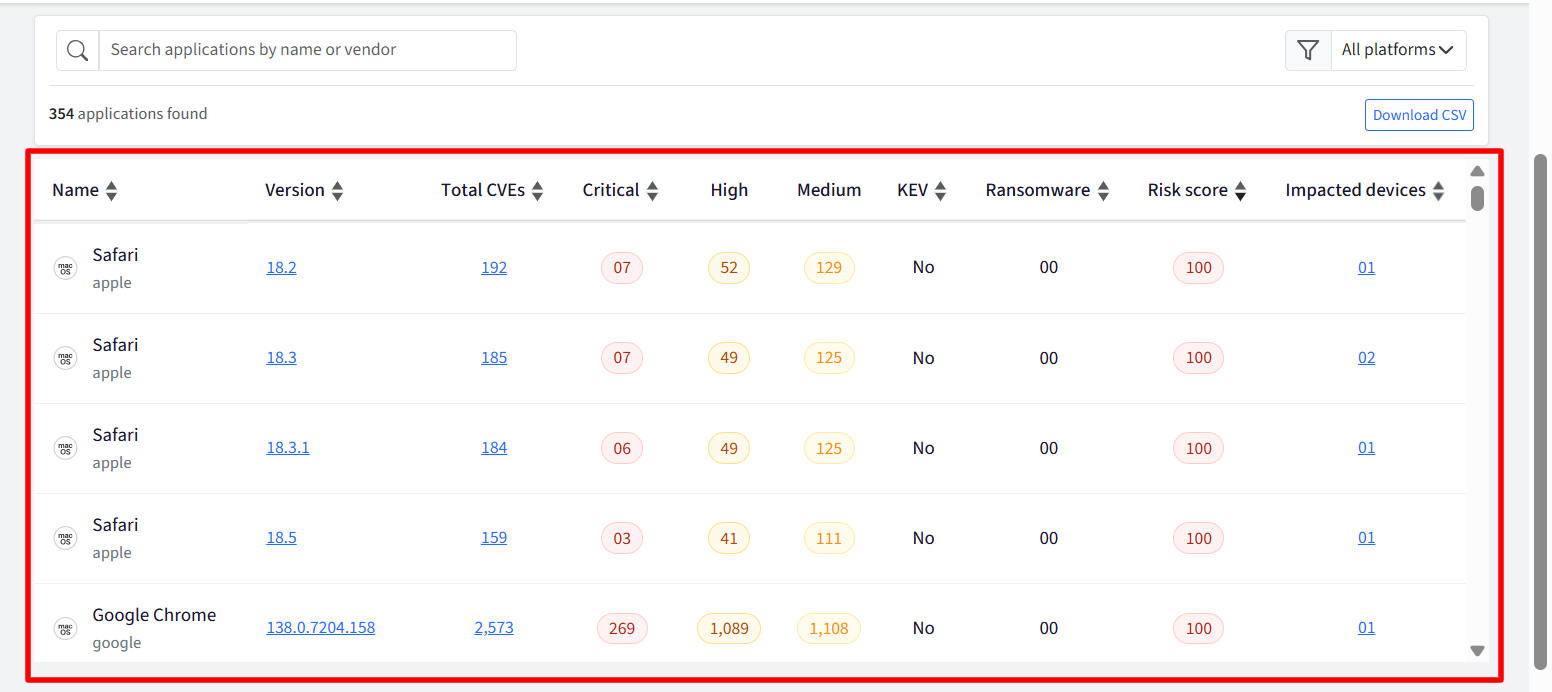
Applications Table
The main table lists every detected software package along with critical risk metrics:
Application Name: The common name and publisher of the application (e.g., Google Chrome, Adobe Acrobat Reader).
Version: The installed version string or release build. Clicking the version opens a side panel with application details and associated CVEs.
Total CVEs: Total count of active Common Vulnerabilities and Exposures associated with that software version. Clicking this opens the side panel filtered directly to the CVEs list.
Severity Breakdown: Detailed breakdown of application vulnerabilities categorized by severity (Critical, High, and Medium).
KEV & Ransomware: Identifies whether known exploits or ransomware-associated vulnerabilities are associated with the app release.
Risk Score: An aggregated risk rating assigned to the application based on its vulnerability footprint.
Impacted Devices: The total number of managed devices running that specific application version. Clicking this opens the side panel displaying the affected devices.
Actions
Search & Filter: Filter applications by platform, or search directly by application name or vendor.
Download CSV: Export the filtered application inventory and vulnerability metrics for compliance reporting and offline audits.
Detailed View (Side Drawer / Slide-over Panel)
Clicking on interactive elements in the table (Version, Total CVEs, or Impacted Devices) opens a slide-over details panel on the right side of the screen.
1. Software & Vulnerability Details (via Version / Total CVEs)
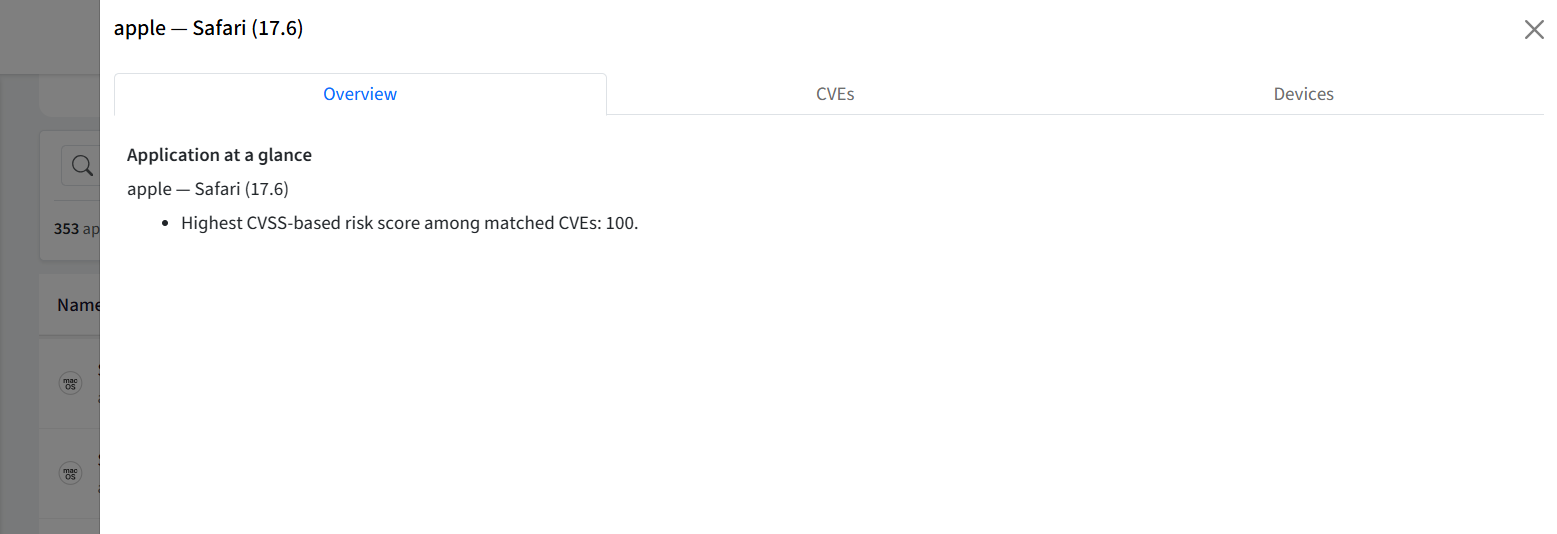
When you click an application Version or Total CVEs count, the side drawer opens to display:
Application Overview: Displays the application icon, publisher, exact version number.
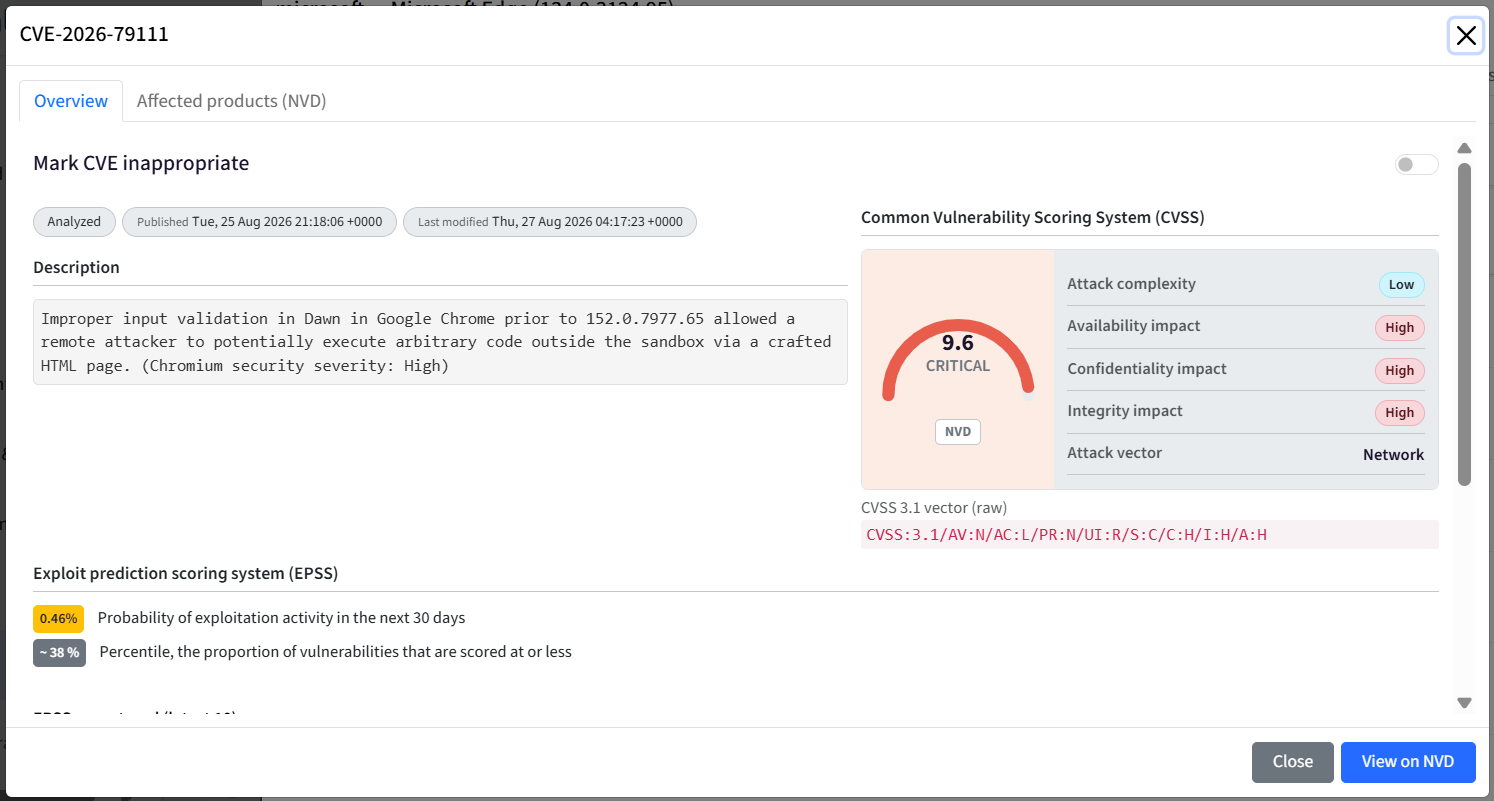
Associated CVEs List: A table of all vulnerabilities affecting this application version, including:
CVE ID: The standard vulnerability tracking code.
Severity & CVSS Score: Risk severity tag and numerical risk rating.
Summary: When you click on the CVE, it gives a brief description of how the vulnerability impacts the application.
2. Impacted Devices List
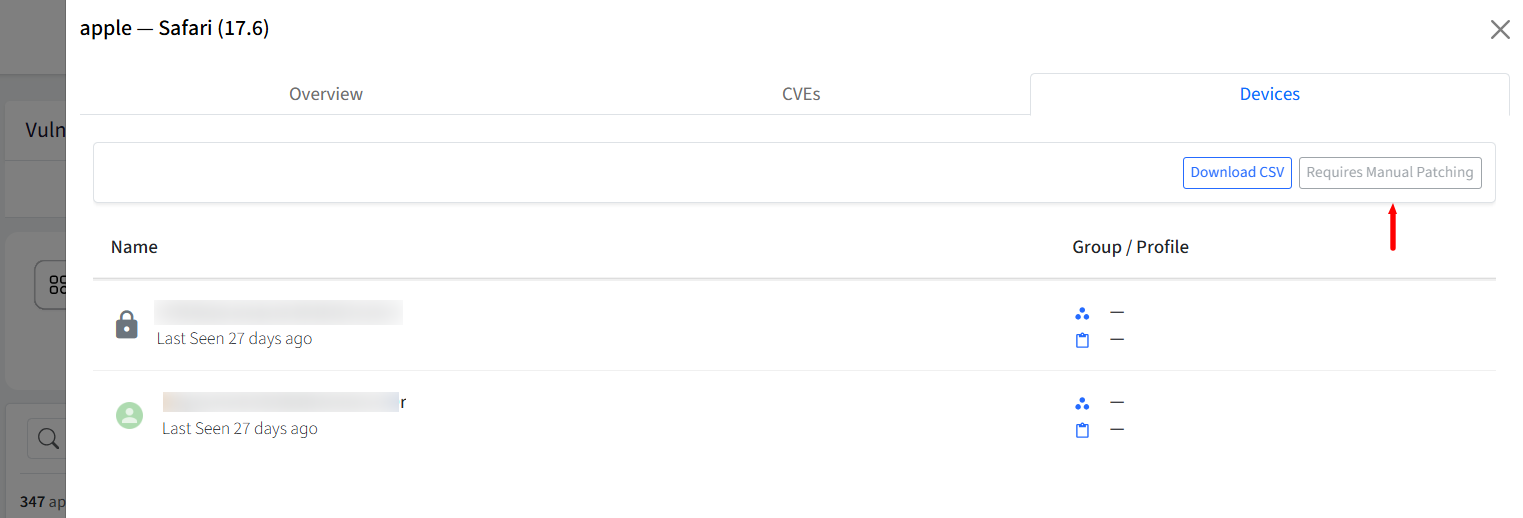
When you click on the count in the Devices column, the side drawer lists all individual machines where that application build is actively installed:
Patching & Redirection
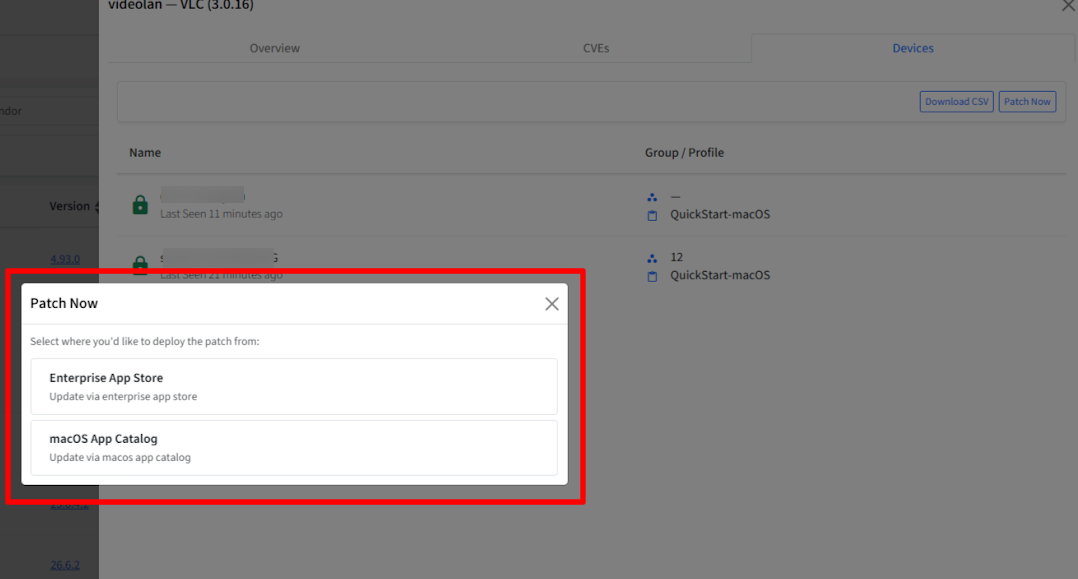
Clicking Patch Now starts the application patching based on the device's operating system.
macOS: You are automatically redirected to the appropriate location based on where the application is available:
Enterprise Store: If the application is available in the Enterprise Store, you can deploy the patch from there. Make sure the newer version of the application is uploaded to the Enterprise Store.
App Catalog: If the application is available in the App Catalog, you can deploy the patch from the App Catalog. Make sure the application is available in the App Catalog before initiating the patch.
Both Enterprise Store and App Catalog: If the application is available in both, you can choose which source to use for deploying the patch.
Application not available: If the application has not been added to the App Catalog, you are prompted to add it before proceeding with the patch.
Windows: You are redirected to Windows App Patches, filtered for the specific application and device.
Manual Patching: If automated patching is not supported for an application, it is marked with a Requires Manual Patching tag. In such cases, the application must be patched manually.